 by CuriousCats.ai
Connect ChatGPT to OpenChase
Plugin in ChatGPT's directory
Find OpenChase in ChatGPTIn ChatGPT, open Plugins in the left sidebar and search openchase.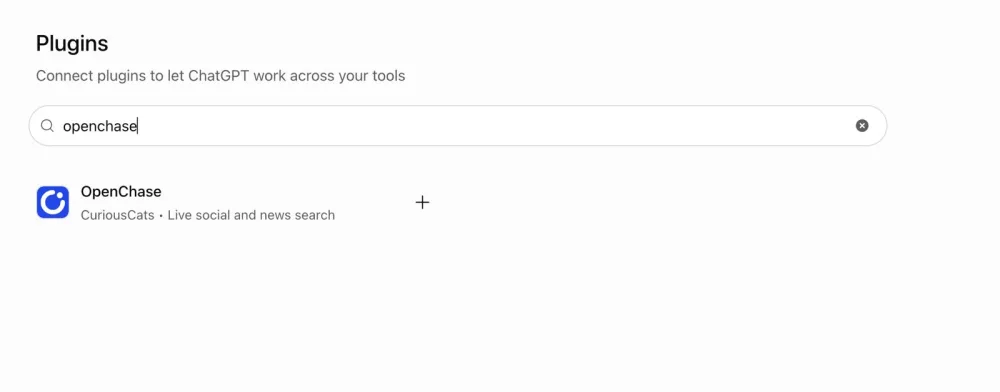
Install the pluginOpen OpenChase and click Install plugin.
Sign in to OpenChase and approveIf ChatGPT asks you to connect, sign in with Google or an email code (new accounts get free credits), then click Approve. ChatGPT can search with your account’s credits; it can’t change your billing, keys or settings. When it shows OpenChase plugin installed, click Try in chat.
Ask awayStart a message with OpenChase, or just ask what people are saying: ChatGPT searches OpenChase when it helps.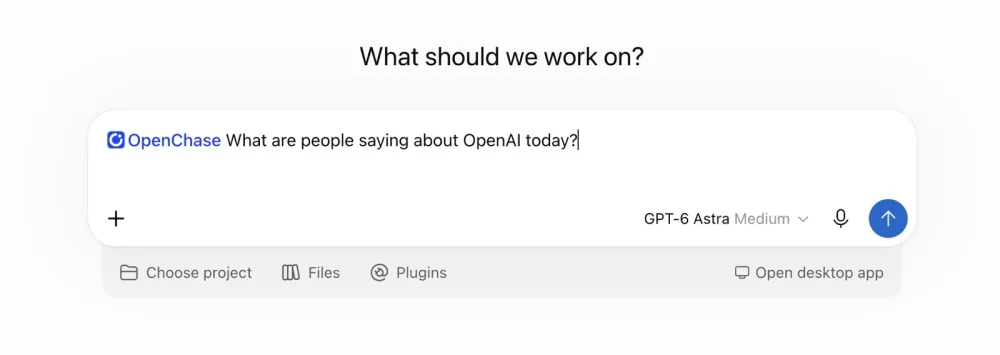
Then try asking
- “What are people saying about OpenAI today?”
- “Search Reddit and X for complaints about the new iPhone this week, with links.”
- “Find the top YouTube and Instagram posts about Diwali sales right now.”